
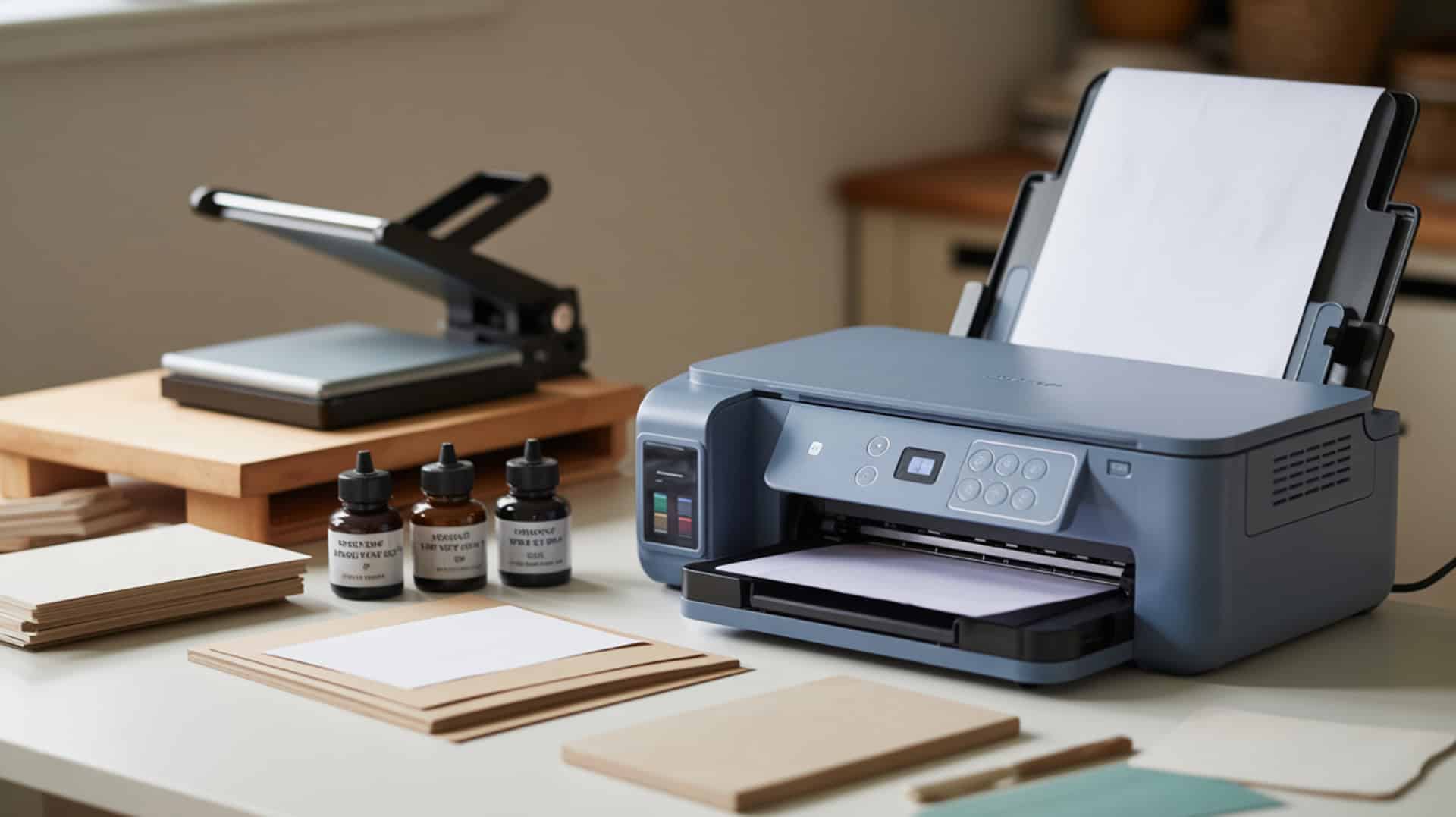
Brother sublimation ink uses disperse dye chemistry that converts to gas under heat and activates bonding with polyester substrates, where polymer chains accept the gaseous dyes for permanent, vibrant color transfer. The Brother SP-1 printer with its matching ink cartridges represents the branded solution designed specifically for sublimation without conversion requirements. Because disperse dye behavior determines sublimation ink performance, you may want to read our hub guide on What Is Sublimation Ink to understand ink chemistry and dye behavior at a foundational level. This article examines Brother sublimation ink performance, cost comparisons, and how it stacks up against competitors like Sawgrass and Epson in the dedicated sublimation printer market.Sublimation inks rely on disperse dyes, which are designed to vaporize under heat and diffuse into synthetic polymer fibers rather than remaining on the surface like pigments.[1]
Key Takeaways
- Disperse dye in Brother ink creates proper fastness through diffusion into polyester fibers, producing durable, wash-resistant prints that the tester described as “bright and vibrant” with “amazing” colors.Perceived color quality depends not only on ink formulation but also on how color is measured and reproduced, which is why consistent dye behavior matters in sublimation printing.[2]
- Brother ink costs approximately $39 for 48 mL versus Sawgrass at $77 for 31 mL—the tester concluded “Brother ink is much less expensive per mL than Sawgrass.”
- The tester ranks Brother and Sawgrass as “top” for print quality with Epson F170 “close behind,” while converted Epson EcoTank printers rank lowest due to more color issues and clog risk.
Is Brother Sublimation Ink a Good Choice for Your Brother Printer?
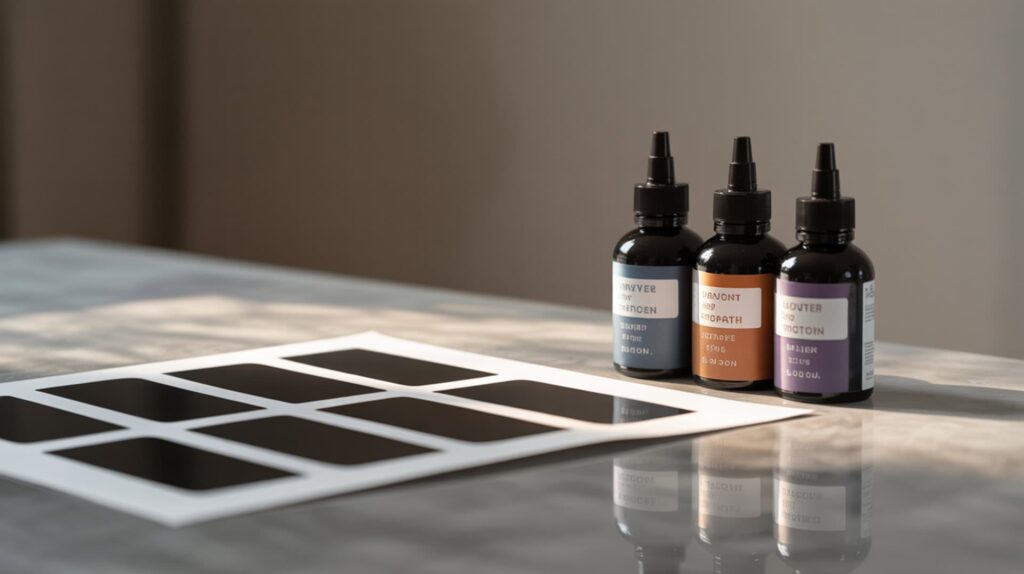
Brother Sublimation Ink is the branded cartridge solution designed specifically for the Brother SP-1 printer, offering printhead compatibility with stable droplet ejection that determines proper ink suitability in Brother’s inkjet printing system. The ink comes with 4 CMYK cartridges (Cyan, Magenta, Yellow, Black) that perform an initial ink charge taking approximately 8 minutes to fill the printer. According to reviewed test results, the tester ranked Brother alongside Sawgrass as “top” for print quality, noting colors look “amazing” and “bright and vibrant” after pressing onto polyester and poly-coated blanks. I recommend Brother ink for SP-1 owners wanting the manufacturer’s supported solution with lower per-mL cost than Sawgrass.
What kind of sublimation print quality can you expect from Brother Sublimation Ink?
Brother Sublimation Ink produces deep color saturation through proper diffusion where chromophore molecules penetrate polyester fibers during heat pressing, with prints appearing lighter on paper but getting “noticeably brighter after pressing” onto substrates. In reviewed testing, the tester observed “colors look amazing” with “bright and vibrant” results on polyester and poly-coated blanks. App printing via Artspira and computer printing produced “very similar” colors on paper. However, one important finding: a PDF printed “quite a bit lighter” than a PNG, and after pressing the PDF looked “dull” compared to the PNG. The tester’s takeaway: computer printing (Mac/PC) may require “dialing in settings per platform” to consistently get bright results.
What are the pros and cons of using Brother Sublimation Ink?
Brother Sublimation Ink offers proper viscosity for nozzle performance with automatic maintenance cycling that reduces clogging risk, but computer printing requires platform-specific settings adjustments for consistent results. Based on reported test results, pros include “extremely easy setup” and “easy to use,” mobile printing as “the big win” via iPad/iPhone/Android through the Artspira app, “bright, vibrant colors with no special color management required” (especially via app), automatic maintenance cycle that “keeps ink moving” to reduce clogs, and “good print quality” ranking alongside Sawgrass as “top.” Cons include Artspira app feeling “clunky / a little hard to use,” no dedicated computer software for sizing/designing, and “computer printing can be finicky” depending on file type (PDF vs PNG) and settings.
How does Brother Sublimation Ink compare to other sublimation ink brands?
Brother Sublimation Ink uses disperse dye chemistry with azo compounds and anthraquinone dyes that affect gamut range differences compared to Sawgrass and Epson formulations, with the tester ranking Brother and Sawgrass together as “top” for quality. Price comparison shows Brother replacement cartridges at approximately $39 for 48 mL versus Sawgrass at $77 for 31 mL—the tester concluded “Brother ink is much less expensive per mL than Sawgrass.” Quality ranking from the tester: (1) Brother & Sawgrass as “best project/print quality,” (2) Epson F170 as “close second but setup a bit harder,” (3) converted Epson EcoTank as “most difficult with more color issues.” For maintenance, Brother and Sawgrass feature automatic ink-cycling with “less clog risk” while Epson printers lack automatic cycling. You can find this product here. [3]
Which Sublimation Ink Should You Use in Your Brother Printer?
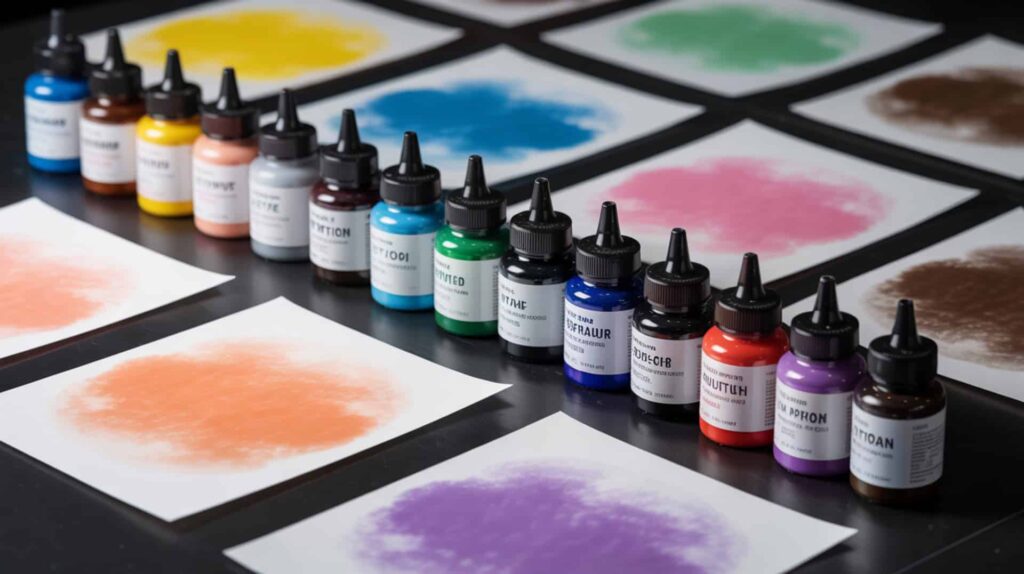
The Brother SP-1 uses a piezoelectric printhead that supports water-based disperse dyes through its continuous ink system, making Brother’s branded cartridges the recommended choice for maintaining warranty coverage and optimal performance. According to the tester’s comparison, the Brother SP-1 at approximately $400 delivers print quality matching Sawgrass ($574) while offering significantly lower ink costs ($39/48mL vs $77/31mL). The automatic maintenance cycle reduces clog risk compared to Epson printers that lack automatic cycling. Mobile printing via Artspira app provides the “big win” for convenience, though computer printing requires learning platform-specific settings. Because Epson printers use the same piezoelectric printhead technology relevant to ink compatibility, you may want to read our guide on Best Sublimation Ink For Epson Printer for alternative options.
Frequently Asked Questions
Does Brother have a sublimation printer or do you need to convert one?
Brother offers a dedicated sublimation printer—the Brother SP-1—that does not require conversion like Epson EcoTank printers, coming ready for sublimation with included CMYK sublimation ink cartridges and sublimation paper. According to reviewed test data, the Brother SP-1 costs approximately $400 (compared to Sawgrass at $574 and converted EcoTank as the cheapest option). The tester ranked converted Epson EcoTank as “most difficult” with “more color issues” and noted conversion voids the warranty. Brother’s dedicated solution provides automatic maintenance cycling that “keeps ink moving” to reduce clogs—a feature converted printers lack.
Can a Brother printer print on sublimation paper for transfers?
The Brother SP-1 sublimation printer prints directly on sublimation paper for heat transfer projects, with Brother’s branded paper featuring a cut corner that should be positioned at the lower-right when loading into the tray. According to test observations, prints appear “lighter on paper” but get “noticeably brighter after pressing” onto polyester and poly-coated blanks—this is normal sublimation behavior. The printer supports mobile printing via the Artspira app (with mirror printing ON by default) and computer printing (where you must manually mirror/flip horizontally). Paper type setting shows only “Transfer” as an option with “Normal” as the best available quality setting.
Does Brother allow third-party sublimation ink in their printers?
Brother’s SP-1 is designed for Brother’s branded sublimation ink cartridges, and using third-party inks would likely void warranty coverage similar to how converted Epson printers lose warranty protection. The Brother system uses cartridges ($39 for 48 mL) rather than refillable tanks, making third-party ink substitution impractical compared to EcoTank-style printers. Because pigment inks and thermal printhead printers are incompatible with sublimation chemistry, you may want to read our guide on The Difference Between Sublimation Ink And Regular Ink to understand why ink type matters. Thermal (Bubble Jet) printheads in Canon/HP/Lexmark printers damage sublimation dye chemistry through heat-based ejection.
What is the best brand of sublimation ink for Brother printers?
Brother’s own sublimation ink is the recommended choice for Brother SP-1 printers, with the tester ranking Brother alongside Sawgrass as “top” for print quality while noting Brother ink costs significantly less per milliliter ($39/48mL versus Sawgrass at $77/31mL). The ink produces “bright and vibrant” colors with “amazing” results according to test observations. Third-party sublimation inks are not designed for Brother’s cartridge system. The automatic maintenance cycle in the SP-1 “keeps ink moving” to reduce clogging risk—a benefit unavailable with converted Epson printers that the tester noted have “more clog risk” due to lacking automatic cycling.
Can you mix different brands of sublimation ink in the same printer?
Mixing different brands of sublimation ink in the same printer is not recommended because viscosity differences affect nozzle performance, and incompatible formulations can cause clogging or inconsistent color output. Brother’s SP-1 uses a cartridge system designed specifically for Brother sublimation ink, making brand mixing impractical. For converted Epson EcoTank printers with refillable tanks, mixing brands risks introducing viscosity variations that increase clogging risk—the tester already noted converted EcoTanks have “more clog risk” and “more color issues” than dedicated printers. Pigment inks cannot be used in sublimation printers because pigments cannot diffuse into polyester and will block nozzles, causing permanent damage.
References
- Understanding disperse dyes: Mechanisms, applications, and innovation in synthetic textile chemistry. (2025, June 4). Supplier of reagents and services for chemistry and life science. https://www.alfa-chemistry.com/dyes/resources/understanding-disperse-dyes-mechanisms-applications-and-innovation-in-synthetic-textile-chemistry.html
- NIST measurement services: Photometric calibrations. (2018, November 10). NIST. https://www.nist.gov/publications/nist-measurement-services-photometric-calibrations












