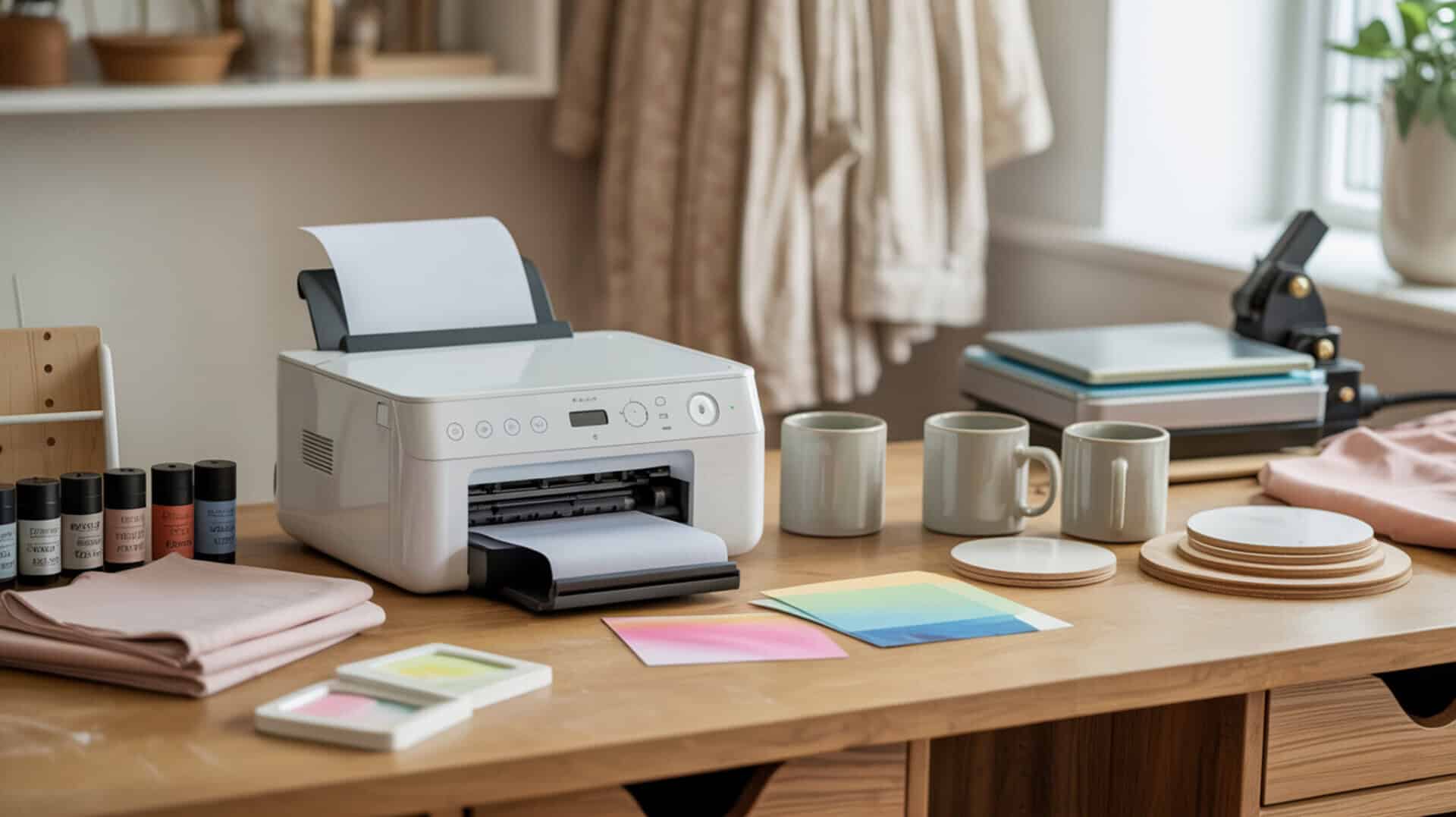
Sublimation ink for Epson EcoTank printers uses disperse dye chemistry that undergoes phase change and activates under heat, bonding permanently with polyester substrates when the piezoelectric printhead delivers precise droplets without heat damage to the dye. EcoTank continuous ink systems allow crafters to use third-party sublimation inks by filling the refillable tanks, converting standard printers into sublimation machines. Because disperse dye chemistry determines sublimation ink performance, you may want to read our hub guide on What Is Sublimation Ink to understand ink chemistry and phase-change behavior. This roundup compares three popular third-party inks—Hiipoo, Printers Jack, and A-Sub—each tested on Epson EcoTank printers with different filling methods, color profiles, and substrate performance.Sublimation inks are formulated with disperse dyes, which are designed to activate under heat and diffuse into synthetic polymer fibers rather than remaining on the surface. [1]
Key Takeaways
- Diffusion depth determines fastness and wash resistance—all three inks produced vibrant results on polyester, with Hiipoo showing “stronger/deeper” blacks and A-Sub delivering “very black” blacks with “beautiful blues.”
- Filling methods vary significantly—Printers Jack offers EcoTank-compatible bottle openings requiring no syringes, while Hiipoo includes syringes and gloves for manual filling.Final color quality in sublimation printing depends on consistent dye behavior and color reproduction, which is why accurate color measurement matters when comparing ink performance. [2]
- Press settings across all three inks ranged from 385°F–395°F for 45–60 seconds, with testers emphasizing pre-pressing (10–15 seconds) to remove moisture that causes blur and ghosting.
Is Hiipoo Sublimation Ink a Good Choice for Epson EcoTank Printers?
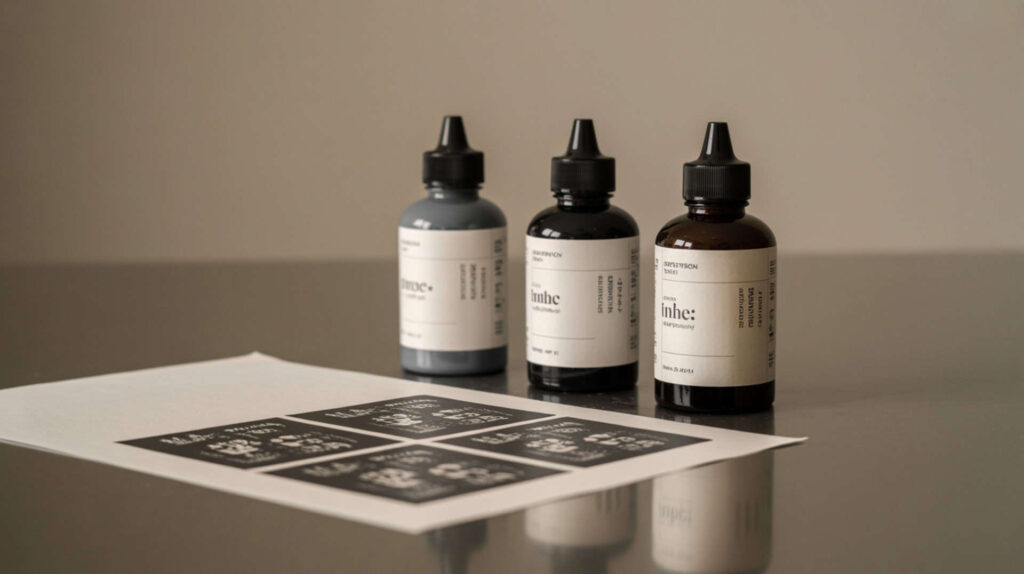
Hiipoo Sublimation Ink offers correct viscosity for ink flow stability in EcoTank continuous ink systems, with a filling kit that includes syringes and gloves for manual tank filling on printers like the Epson EcoTank 2720, 2750, 2760, 4700, and 15000. According to reviewed test results at 385°F for 60 seconds on a 52% cotton/48% polyester blend shirt, the tester reported “no scorching,” “no ghosting,” and “pretty vibrant” results with “very good” detail. The tester gave Hiipoo an enthusiastic “five stars” based on first results. I recommend Hiipoo for budget-conscious crafters willing to use syringe filling who want strong black density.
What kind of sublimation print quality can you expect from Hiipoo Ink?
Hiipoo Sublimation Ink produces strong color vibrancy through chromophore structure that delivers visible intensity after sublimation, with proper diffusion creating deep penetration into polyester fibers. In reviewed testing, the tester observed transfers that looked “very vibrant even before pressing” with a “noticeable difference in blacks” compared to Printers Jack—Hiipoo’s black looked “stronger/deeper.” After pressing on a 48% polyester blend, results showed “pretty vibrant” colors with “very good detail.” The tester expected results would look “even better on 100% polyester” versus the blend used. Previous use on a mug “turned out really cool.”
What are the pros and cons of using Hiipoo Sublimation Ink in EcoTank printers?
Hiipoo Sublimation Ink offers affordable pricing (approximately $22.99–$23 at time of testing) but improper ink formulation handling during filling increases clogging risk if contamination occurs during the syringe transfer process. Based on reported test results, pros include “very vibrant” output emphasized repeatedly, “strong blacks” compared to Printers Jack, good performance even on poly-blend (48% polyester), included filling accessories (syringes, gloves), and an enthusiastic “five stars” rating. Cons include syringe filling requirement (though OEM bottle tops can be swapped to avoid this), shipping from China affecting logistics, no completed wash-test provided in the review, and risk of ghosting/scorching if pressing more than once.
How does Hiipoo Sublimation Ink compare to other third-party sublimation inks?
Hiipoo Sublimation Ink uses azo compounds and anthraquinone dyes that create gamut range differences compared to Printers Jack, with the tester specifically noting Hiipoo produced stronger black density as the clearest differentiator. The tester had been “happy with Printers Jack” but said Hiipoo looks “more vibrant” overall. Best-use advice from the tester: even heat, moderate pressure, and conservative temperatures (385°F/60s) reduce scorching risk. The tester chose syringe filling over swapping OEM bottle tops to “reduce cross-contamination risk.” Price at approximately $23 positioned Hiipoo as a budget option. You can find this product here.[3]
How Well Does Printers Jack Sublimation Ink Perform in Epson EcoTank Printers?
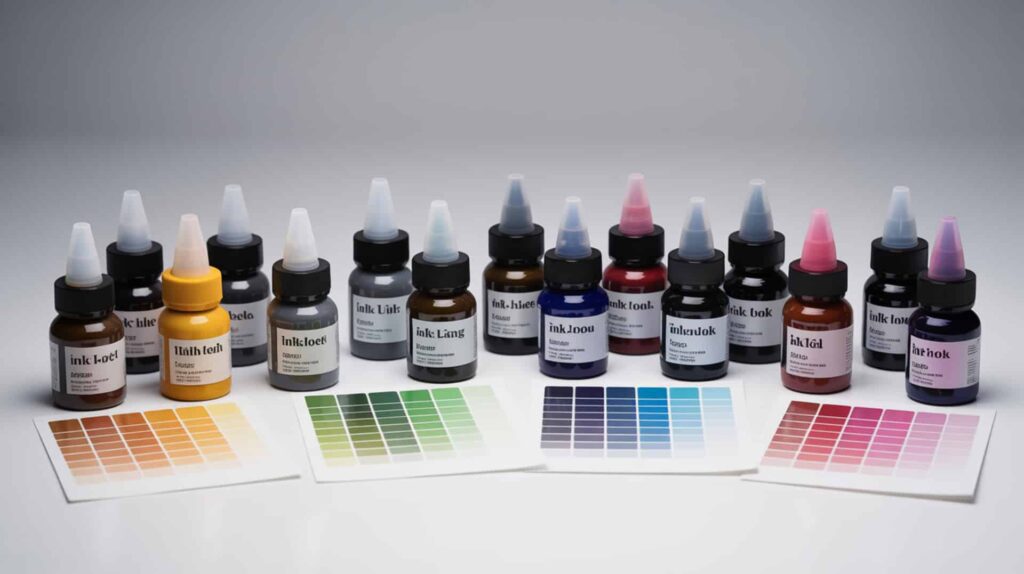
Printers Jack Sublimation Ink delivers excellent inkjet printing performance with surface tension properties that affect droplet formation for edge sharpness and uniform coverage on both hard surfaces and polyester fabric. The ink bottles feature EcoTank-compatible openings requiring no syringes—the tester called this a “big plus” despite higher cost. According to reviewed test results at 385°F for 45 seconds, canvas board results came out “bright, vibrant” with “beautiful colors,” while polyester fabric produced an “incredible” reaction where the tester “fell in love with it.” I recommend Printers Jack for crafters prioritizing easy filling over lowest price.
What sublimation color quality can you achieve with Printers Jack Ink?
Printers Jack Sublimation Ink produces accurate CMYK balance for color accuracy in sublimation transfers, with chromophore formulation delivering “bright, vibrant” results the tester described as “gorgeous.” In reviewed testing on laminated canvas board (300°F/15s lamination, then 385°F/45s transfer), colors “turned out beautiful.” On polyester fabric at 385°F for 45 seconds with 15-second pre-press, the tester exclaimed “Oh my goodness… incredible.” One tiny white speck appeared where “something weird happened,” but overall “ink + paper were amazing.” The paper pack includes 100 sheets in two sizes: 8.3×11.7 blue-backed and 8.5×11 pink-backed.
What are the pros and cons of using Printers Jack Sublimation Ink?
Printers Jack Sublimation Ink minimizes banding defects through consistent ink flow, but higher pricing compared to alternatives like Hiipoo may affect budget-conscious crafters. Based on reported test results, pros include EcoTank-friendly bottle openings for “easy filling without syringes,” “excellent vibrancy” on both hard surfaces (laminated canvas) and polyester fabric, competitive performance versus Cosmo ink under identical conditions, and availability on Amazon with free shipping over $25. Cons include “more expensive” pricing (though the tester argues worth it), one “small white speck” defect in fabric testing, and need to ensure purchasing the “updated version” of Printers Jack sublimation ink specifically.
How does Printers Jack Ink compare to other EcoTank sublimation inks?
Printers Jack Sublimation Ink demonstrates strong fastness with dye stability providing long-term color durability comparable to Cosmo ink when tested under identical conditions (same fabric, same paper, same 385°F/45s settings). The tester said “both are amazing” but was “very pleasantly surprised” by Printers Jack, calling results “gorgeous” and saying she “fell in love with it.” The EcoTank-compatible bottle design eliminates syringe hassle that Hiipoo requires. Money-saving tip from the tester: keep EcoTank-style bottles and later buy cheaper refill bottles, pouring refills into the EcoTank-opening bottles for future top-ups. You can find this product here.[4]
Is A-Sub Sublimation Ink Worth It for Your Epson EcoTank Printer?
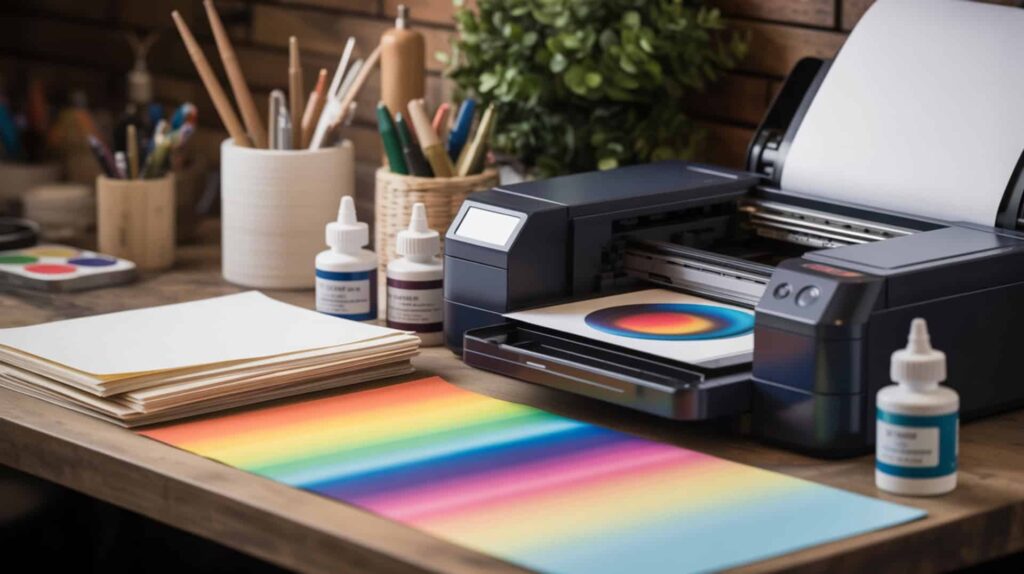
A-Sub Sublimation Ink uses non-ionic dyes that provide improved diffusion into polyester polymers, with a dedicated ICC color profile that enables color-managed printing through Photoshop without manual color tweaking. According to reviewed test results at 395°F for 60 seconds on photo puzzles, neoprene, and 100% polyester shirts, the tester reported “very black blacks,” “beautiful blues,” and results “absolutely on point for color.” A-Sub makes both paper and ink in the same ecosystem, allowing matched compatibility. I recommend A-Sub for crafters comfortable with ICC profile workflows who want accurate color without manual adjustments.
What sublimation results can you expect when using A-Sub Ink in an EcoTank?
A-Sub Sublimation Ink delivers optimal polyester dye bonding during sublimation, with the ICC profile workflow producing “very vibrant colors with no manual color tweaking” according to test observations. On a photo puzzle at 395°F/60s, results showed “very black blacks,” “beautiful blues,” and were “absolutely on point for color”—the tester noted “photos are harder than vectors” yet this photo print came out great. Neoprene seat belt cover at 395°F/50s showed “beautiful color” with correct light/dark pink variation. Business logo on Core 365 100% polyester shirt at 395°F/60s looked “nice… very nice” with clean dark blue and logo.
What are the pros and cons of A-Sub Sublimation Ink for EcoTank printers?
A-Sub Sublimation Ink offers proper viscosity balance for reliable nozzle performance, but the ICC profile workflow requires learning Photoshop color management settings that may challenge beginners. Based on reported test results, pros include “strong color performance” with especially “deep blacks and rich blues,” successful results across substrates (hard surfaces, neoprene, 100% polyester), ICC profile workflow producing vibrant colors with “zero manual color adjustments,” and A-Sub ecosystem matching ink and paper. Cons include learning curve for ICC profiles requiring “No Color Adjustment” in driver settings, prints looking “too light” before pressing which “can scare beginners,” neoprene being “finicky” (dust/lint magnet), and press line risk requiring lower pressure and torn paper edges.
How does A-Sub Sublimation Ink compare to other sublimation ink brands?
A-Sub Sublimation Ink provides superior fastness through dye formulation that creates wash resistance and longevity, with the ICC profile approach eliminating the “tweak brightness/contrast/saturation” workflows other inks require. The tester explicitly stated A-Sub + ICC gave vibrant results with “zero manual color adjustments”—unlike other inks where users commonly report “my colors are off.” The tester’s workflow: Photoshop manages colors with A-Sub ICC profile selected, Epson driver set to “No Color Adjustment.” Results may look “very light” coming out, but “ICC magic happens after pressing—trust the process.” Demonstrated on Epson 7720 setup. You can find this product here.[5]
Which Sublimation Ink Is the Best Fit for Your Epson EcoTank Printer?
Choosing the right sublimation ink for Epson EcoTank printers depends on piezoelectric printhead compatibility and whether your continuous ink system setup prioritizes easy filling, color accuracy, or budget pricing. For budget-conscious crafters wanting strong blacks, Hiipoo at approximately $23 delivered “five stars” results with “stronger/deeper” black density than competitors using syringe filling. For easy EcoTank-compatible filling without syringes, Printers Jack produced “gorgeous” results the tester “fell in love with” despite higher pricing. For ICC profile users wanting accurate color without manual tweaking, A-Sub delivered “absolutely on point” colors with “zero manual adjustments.” Because piezoelectric printhead compatibility is the shared decision factor across printer brands, you may want to read our guide on Best Sublimation Ink For Brother Printer for alternative dedicated printer options.
Frequently Asked Questions
Can you use any sublimation ink in an Epson EcoTank printer?
You can use third-party sublimation ink in Epson EcoTank printers because the piezoelectric printhead supports water-based disperse dyes without heat damage, but viscosity must match EcoTank specifications to prevent clogging. According to reviewed test data, Hiipoo, Printers Jack, and A-Sub all work with EcoTank models like the 2720, 2750, 2760, 4700, 15000, and WorkForce variants. The key requirement: the printer must be brand new and never filled with regular Epson ink—you cannot convert a printer that has used standard ink. Thermal (Bubble Jet) printheads in Canon, HP, and Lexmark printers are incompatible because heat-based ejection damages sublimation dye chemistry.
How do you convert an Epson EcoTank printer to sublimation printing?
Converting an Epson EcoTank requires filling the empty tanks with sublimation ink before first use—never power on or use regular ink first. According to test observations, filling methods vary: Hiipoo includes syringes and gloves for manual filling (the tester noted EcoTank 2720 has a “weird nozzle”), while Printers Jack bottles have EcoTank-compatible openings requiring “no syringes.” After filling, run nozzle checks and head cleanings as needed. The tester recommends keeping EcoTank-style bottles for future refills by pouring cheaper replacement ink into them later. Print settings typically require selecting “Premium Presentation Paper Matte” and enabling mirror/flip horizontally.
Do Epson printers allow third-party sublimation ink without issues?
Epson printers accept third-party sublimation ink without technical lockouts, but using non-Epson ink voids the manufacturer warranty—this is the trade-off for lower ink costs on converted EcoTank systems. According to test results, all three inks (Hiipoo, Printers Jack, A-Sub) worked successfully in various EcoTank models. Because pigment particles cannot diffuse into polyester and block nozzles causing permanent damage, you may want to read our guide on The Difference Between Sublimation Ink And Regular Ink to understand why ink type matters. Only use sublimation ink specifically formulated for EcoTank systems.
How do you get your Epson printer to print better quality sublimation prints?
Better sublimation print quality from Epson printers requires proper color management settings—A-Sub’s ICC profile approach produced “vibrant results with zero manual color adjustments” by setting Photoshop to manage colors and the Epson driver to “No Color Adjustment.” Press settings across all tested inks ranged from 385°F–395°F for 45–60 seconds with 10–15 second pre-press to remove moisture. The tester emphasized “tape heavily” to avoid ghosting (“tape is cheaper than messing up a substrate”), open press slowly, remove paper slowly, and use protective paper inside shirts to prevent bleed-through. Prints may look “very light” before pressing—“trust the process.”
What kind of sublimation ink lasts the longest before expiring?
Sublimation ink shelf life depends on dye formulation stability rather than brand, with most third-party inks lasting 12–24 months when stored properly in sealed containers away from direct sunlight and temperature extremes. According to general sublimation principles, clogging risk increases when ink sits unused in printer tanks for extended periods without printing—all testers emphasized regular use prevents nozzle blockage. The Hiipoo tester recommended using syringes to “reduce cross-contamination risk” during filling, which also protects ink quality. A-Sub’s matched ink and paper ecosystem may provide more consistent results over time since both components are formulated together. Check expiration dates on packaging before purchase.
References
- 8.3: Color and constitution. (2023, June 14). Chemistry LibreTexts. https://chem.libretexts.org/Courses/Brevard_College/LNC_216_CHE/08%3A_Chemistry_of_color/8.03%3A_Color_and_Constitution
- Chapter 10: Color and appearance. (2017, March 27). NIST. https://www.nist.gov/publications/chapter-10-color-and-appearance