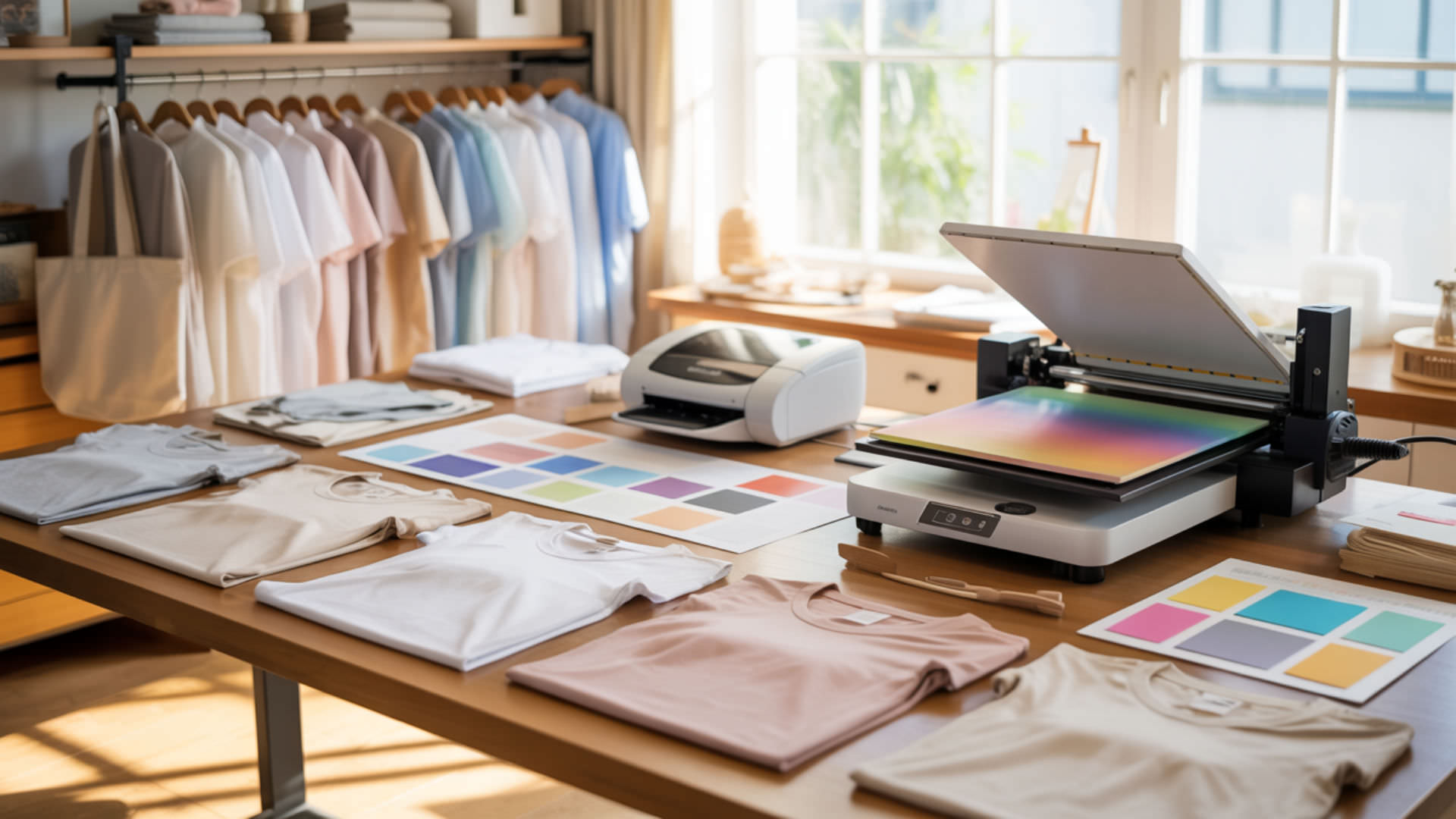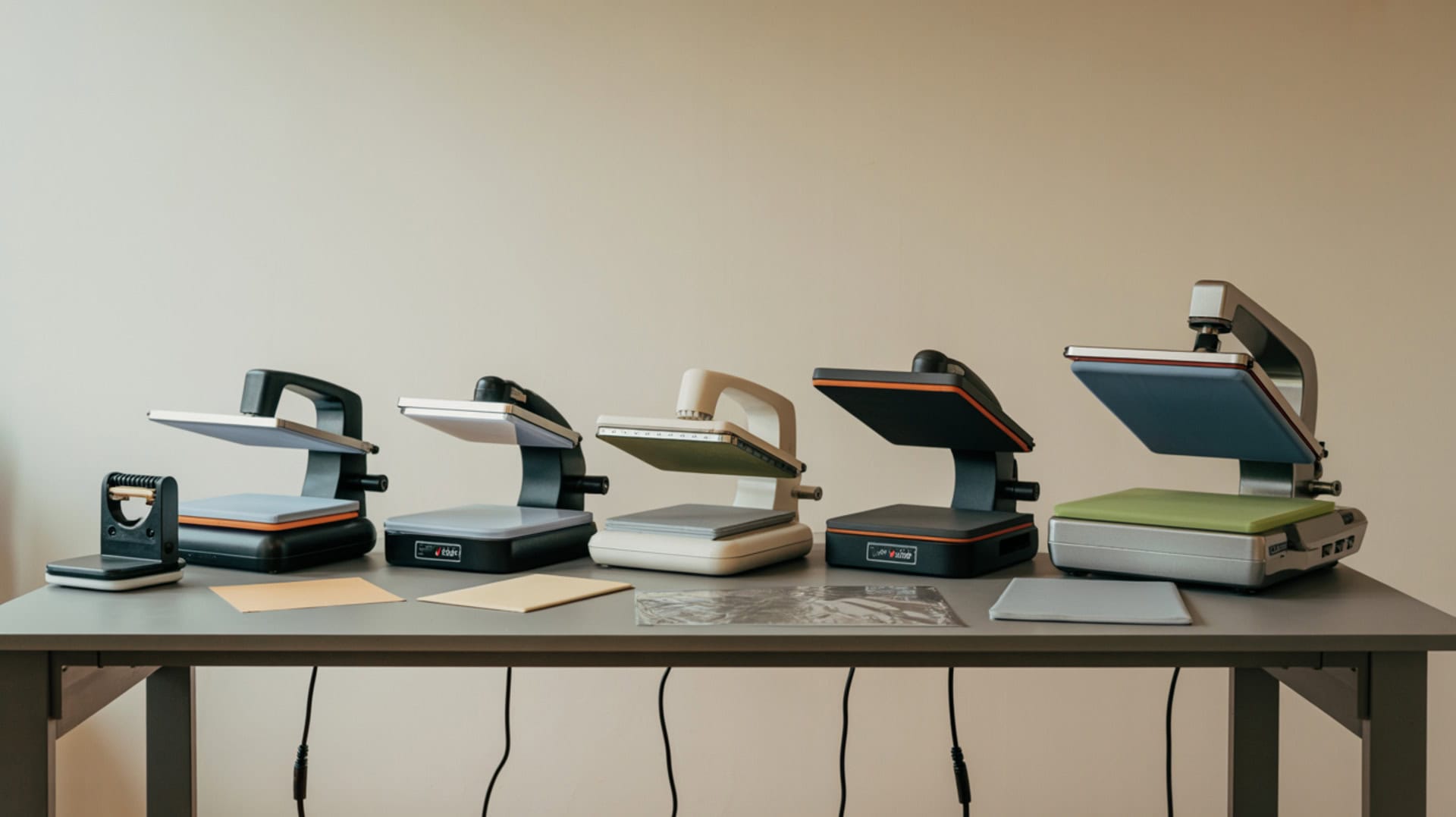
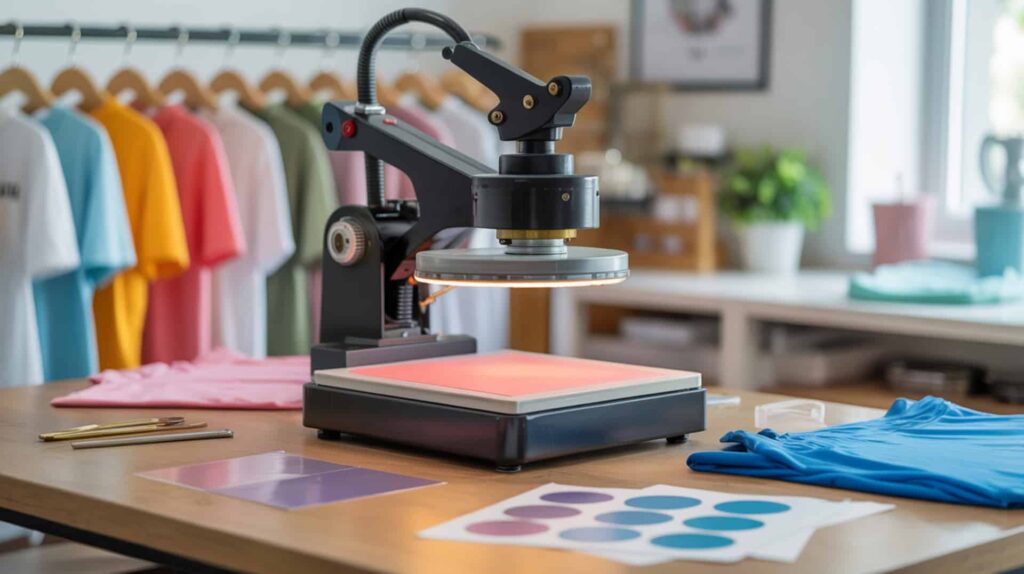
Heat press machines deliver the thermal energy needed to enable sublimation dye phase transition from solid to gas, while consistent pressure ensures even dye penetration and contact uniformity across your substrate. Different press designs—handheld EasyPress units, swing-away combo machines, clamshell presses, and automatic drawer systems—offer varying trade-offs between portability, pressure consistency, and project versatility. Because heat press operation determines sublimation success, you may want to read our hub guide on What Is a Sublimation Heat Press to understand how presses generate and control heat and pressure. This roundup compares four popular options—the Cricut EasyPress 3, Slendor 5-in-1, Fancierstudio Clamshell, and HTVRONT Auto Heat Press—each tested on real projects with documented results.Uniform pressure across the platen is critical in sublimation, since pressure is defined as force applied over an area, and uneven distribution leads to inconsistent material contact.[1]
Key Takeaways
- Temperature and dwell time balance determines dye activation—tested settings ranged from 305°F/15 seconds for HTV to 400°F/60 seconds for sublimation, with incorrect balance causing fading or scorching. Accurate sublimation results depend on properly calibrated temperature measurement, since small temperature errors can significantly affect dye activation and transfer quality.[2]
- The Cricut EasyPress 3 delivered “bright, beautiful colors” at 385°F/40 seconds with app-guided workflow, while the HTVRONT Auto produced “absolutely gorgeous” sublimation at 385°F/55 seconds with automatic open/close.
- The Slendor 5-in-1 at approximately $176 includes mug/hat/plate attachments with 3-year warranty, while the Fancierstudio clamshell offers beginner-friendly setup with included Teflon sheet at 40+ lb build quality.
Is the Cricut EasyPress 3 a Good Heat Press for Sublimation Projects?
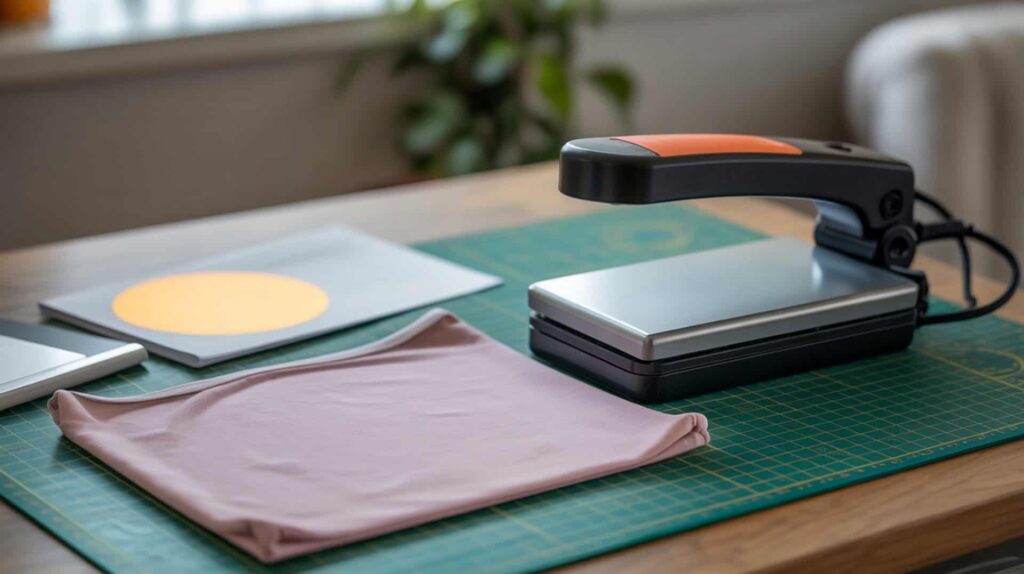
The Cricut EasyPress 3 is a manual heat press that relies on user-applied force for variable pressure, with Bluetooth connectivity pushing temperature and time settings directly from the Cricut Heat app to reduce guesswork during sublimation projects. According to reviewed test results at 385°F for 40 seconds with 15-second preheat on a Cricut blank, the tester reported “bright, beautiful colors” and a clean transfer. Custom settings allow dialing in specific time/temp combinations—one tester used 400°F for 50 seconds on a polyester onesie with light pressure. I recommend the EasyPress 3 for beginners wanting guided workflow on flat items like shirts.
What kind of sublimation results can you expect from the Cricut EasyPress 3?
The Cricut EasyPress 3 can produce inconsistent color density if heat distribution varies across the pressing surface, though testers reported successful results using app-guided settings with proper technique. In reviewed testing using Infusible Ink settings as a stand-in for sublimation (settings are interchangeable according to the tester), results showed “bright, beautiful colors” with “no guesswork.” Multi-material testing included HTV on tea towels, Infusible Ink on ceramic coasters following “no pressure” instructions, and sublimation on polyester onesie at 400°F/50 seconds with light pressure and preheat enabled. Available sizes include 9×9 and 12×10, though no 6×7 EasyPress 3 size exists.
What are the pros and cons of using the Cricut EasyPress 3 for sublimation?
The Cricut EasyPress 3 offers limited temperature control through app presets, creating a narrow margin for error when sublimation requires precise settings outside Cricut’s material database. Based on reported test results, pros include beginner-friendly step-by-step prompts reducing missed steps (preheat, press, peel timing), Bluetooth/app convenience with settings pushing directly to the press, custom mode for sublimation with user-defined time/temp plus optional preheat, and ability to work without the app like prior models. Cons include EasyPress 3 versus 2 being “mostly the app/Bluetooth” with limited upgrade value otherwise, materials database being “Cricut-first” requiring custom settings for sublimation, and app design experience feeling “clunky” according to one tester.
How does the Cricut EasyPress 3 compare to traditional heat press machines?
The Cricut EasyPress 3 lacks a fixed platen, resulting in reduced pressure consistency compared to full heat press machines with mechanical clamping systems. One tester’s upgrade logic: upgrade only if you “want the EasyPress 3 color” or you “love the Cricut Heat app enough to use it regularly”—otherwise “keep EasyPress 2” since pressing performance is not presented as fundamentally different. Compared to traditional presses, the EasyPress offers portability and guided workflow at the cost of pressure precision. The swing-away Slendor and clamshell Fancierstudio provide mechanical pressure via handle clamping, while the HTVRONT Auto offers consistent automatic pressure. You can find Cricut EasyPress 3 here. [3][4]
How Well Does the Slendor 5 in 1 Swing Away Heat Press Perform for Sublimation?
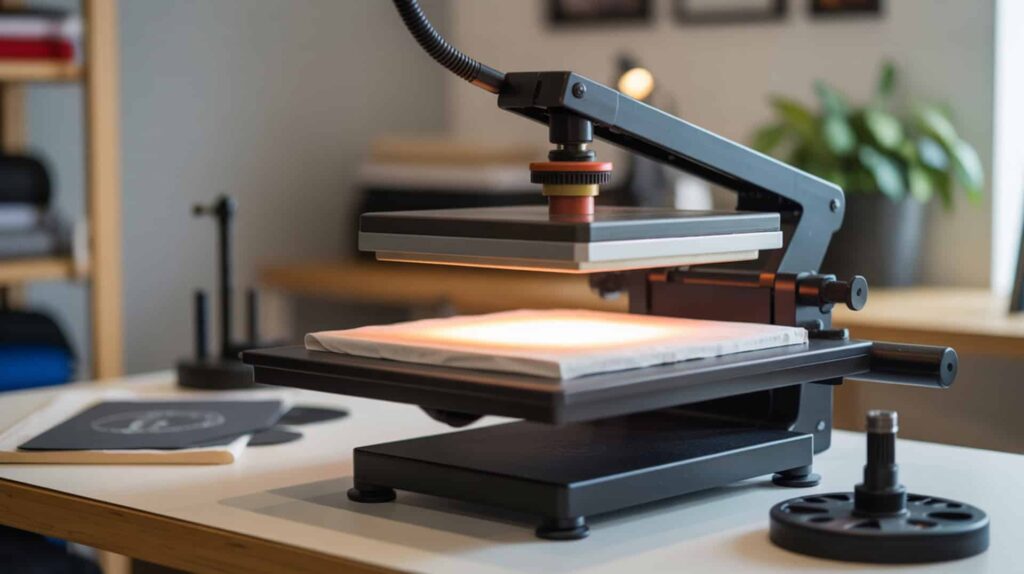
The Slendor 5-in-1 Swing Away Heat Press uses swing-arm design that delivers even downward pressure distribution across the platen, with 360° rotation allowing safer access to your work area during positioning. According to reviewed test results, the press reached 300°F in approximately 3:30–3:45 minutes (fast for the price tier) and corner pressure testing felt “pretty even” with an easy-to-use handle. At approximately $176 at time of testing with strong review ratings, the tester positioned it as a “starter/budget alternative” to premium presses like Geo Knight ($1,000+). I recommend the Slendor for crafters needing mug, hat, and plate attachments alongside flat pressing.
⫸ Click Here For Best Selling Sublimation Printers And Products ⫷What sublimation quality can you achieve with the Slendor 5 in 1 Heat Press?
The Slendor 5-in-1 achieves thermal equilibrium for uniform dye diffusion throughout substrates, though IR temperature gun testing showed variation across the platen surface that may affect consistency on larger designs. In reviewed testing on a Bella+Canvas CVC 6400 poly/cotton blend at 300°F for 7–8 seconds, transfer quality checks showed edges down, details pressed properly, and stretch test looked good. The tester measured actual pressing area at approximately 11.5×15 inches rather than advertised 12×15—important for larger designs. A wash test was planned but not shown in the reviewed content. Temperature range reaches 0–482°F as stated.
What are the pros and cons of the Slendor 5 in 1 for sublimation and crafts?
The Slendor 5-in-1 features silicone rubber pad construction that improves pressure absorption and heat buffering, but some parts felt “a bit wobbly” raising questions about long-term durability. Based on reported test results, pros include budget-friendly pricing (approximately $176), fast warmup to 300°F in about 3.5 minutes, mostly pre-assembled for less setup hassle, swing-away plus sliding platen for easier alignment/access, even pressure feel in corner testing, and included attachments (mug press, hat press, two plate presses). Cons include temperature uniformity concerns with IR checks showing “noticeable hot/cool spots,” actual pressing area measuring 11.5×15 rather than 12×15, some wobble in parts, and timer use not intuitive at first.
How does the Slendor 5 in 1 compare to other combo heat press machines?
The Slendor 5-in-1 uses a manual pressure system that creates greater variation compared to pneumatic presses, but the swing-away design provides safer access than clamshell alternatives. The tester framed it as a “starter/budget alternative” versus premium presses like Geo Knight (over $1,000), acknowledging “better presses exist” but this may be “good enough” for many beginners. Features include 5-in-1 attachments, swing-away design with 360° rotation, non-slip rubber handle, 110V standard outlet, detachable knobs, adjustable pressure knob, and 3-year manufacturer warranty. No direct head-to-head comparison was shown—the tester said a multi-press comparison was coming later. You can find Slendor 5 here. [5]
Is the Fancierstudio Clamshell Heat Press a Good Budget Option for Sublimation?
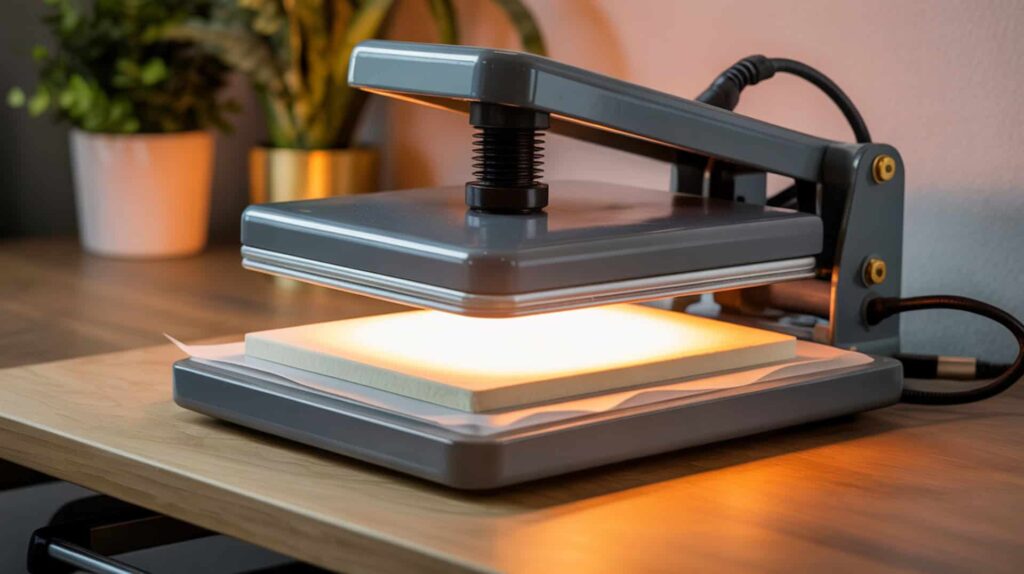
The Fancierstudio Clamshell Heat Press uses clamshell design that creates front-loaded pressure bias affecting edge uniformity, but offers straightforward controls for time, temperature, and pressure that beginners can learn quickly. The press weighs 40+ pounds requiring careful lifting from underneath (not by the handle) and placement on a sturdy, stable table that can handle both weight and clamping pressure. According to reviewed observations, the press comes with included Teflon sheet and manual, with controls explained as temperature, time, and manual pressure knob adjustment. I recommend the Fancierstudio for beginners wanting a heavy-duty clamshell at budget pricing with simple operation.
What sublimation results can you expect from the Fancierstudio Clamshell Heat Press?
The Fancierstudio Clamshell delivers conduction-based heat transfer through direct platen-to-substrate heating, with the tester demonstrating successful transfers using proper pre-press and technique. In reviewed testing at 320°F for 12 seconds (specifically for Supacolor transfers, not sublimation), the workflow included 4–5 second pre-press to flatten the shirt, transfer application, then Teflon sheet coverage with another 4–5 second press to seal edges. The design adhered cleanly after hot peel plus final seal press. The tester emphasized using a test garment first to dial in pressure and avoid ruining customer orders. Pressure is adjusted via knob with no numbers, learned by feel.
What are the pros and cons of using the Fancierstudio Clamshell for sublimation?
The Fancierstudio Clamshell can develop temperature gradients creating risk of cold spots on larger substrates, and the no-numeric pressure scale makes repeating exact settings difficult through trial-and-error. Based on reported observations, pros include clear beginner-friendly guidance on safe handling, setup, and process, clamshell simplicity with straightforward time/temp controls and single pressure knob, included Teflon sheet for finishing/seal pressing, and strong emphasis on test garment use. Consinclude no numeric pressure scale making exact repetition harder, no objective tests of heat accuracy/uniformity or warmup time in the reviewed content, and the “70 washes durability” claim applying to Supacolor transfers rather than the heat press itself.
How does the Fancierstudio Clamshell compare to swing-away heat presses?
Swing-away presses like the Slendor 5-in-1 offer safer access and more uniform pressure application compared to clamshell designs where the heated platen swings directly overhead during opening. The Fancierstudio content was framed as a beginner setup and first successful press tutorial rather than a performance shootout—no direct comparisons to other heat presses were provided in the reviewed material. The clamshell’s 40+ pound weight provides heavy-duty feel but requires careful lifting from underneath, while swing-away designs allow lateral access without overhead clearance concerns. Both styles use manual pressure knobs requiring user adjustment. You can find Clamshell Fancierstudio Heat Press here. [6]
Is the HTVRONT Auto Heat Press Machine Worth It for Sublimation Printing?
The HTVRONT Auto Heat Press Machine uses automatic pressure systems that deliver consistent force without user variability, with auto close and auto open functionality making operation easier for users with arthritis or hand strength limitations. According to reviewed test results at 385°F for 55 seconds on a sublimation notebook cover, the transfer was described as “absolutely gorgeous” with excellent color. The 15×15 inch pressing area handles larger projects, and the press heats up quickly with audible beep when target temperature is reached. I recommend the HTVRONT Auto for crafters wanting consistent automatic pressure with easy operation on supported project types.
What kind of sublimation performance can you expect from the HTVRONT Auto Heat Press?
The HTVRONT Auto Heat Press delivers controlled dwell time for repeatable sublimation results through digital temperature and time controls with preset options (5 factory presets plus user-defined). In reviewed testing, HTV at 305°F for 15 seconds on Siser EasyWeed pressed “cleanly and evenly,” peeled correctly, and “looked really great.” Sublimation on notebook cover at approximately 385°F for 55 seconds in manual mode (auto mode turned off for demonstration) produced results described as “absolutely gorgeous” with excellent color. The press auto-opened when time expired even in manual mode. Medium pressure worked well for both HTV and sublimation in testing.
What are the pros and cons of the HTVRONT Auto Heat Press for sublimation?
The HTVRONT Auto Heat Press offers automated temperature and pressure controls reducing operator error, but limited manual overrides mean pressure cannot be adjusted—only one pressure level exists, unsuitable for projects requiring heavy pressure. Based on reported test results, pros include inexpensive pricing, lightweight build, quick heat-up, auto close and auto open features, easy closing helpful for users with grip limitations, medium pressure working well in testing, and safety button for immediate opening. Cons include drawer design as “the biggest con” with press not opening far (maximum approximately 1 inch), hands getting very close to heated surface, drawer rails interfering with garment placement, bulky garments being “difficult or impractical,” static causing paper to stick to upper platen, and overall being described as “very limiting.”
How does the HTVRONT Auto Heat Press compare to manual heat press machines?
Manual heat presses offer greater control over pressure and positioning but introduce higher inconsistency risk from user variability, while the HTVRONT Auto provides consistent automatic pressure at the cost of flexibility. Compared directly to Cricut AutoPress, the HTVRONT is “much less expensive” and has auto close (Cricut does not), while Cricut opens much wider (up to 2 inches material thickness versus HTVRONT’s approximately 1 inch), supports easier positioning, and can be stored upright. Heating time and pressure feel “about the same” between both, and both have auto open and are easy to close. Both auto presses are ideal for users with hand or grip limitations. You can find HTVRONT Auto Heat Press here. [7]
Which Heat Press Is the Best Fit for Your Sublimation and Crafting Needs?
Choosing the right heat press depends on project scale determining press type, pressure system, and platen size requirements. For beginners wanting guided app workflow on flat items like shirts, the Cricut EasyPress 3 delivers “bright, beautiful colors” with step-by-step prompts and custom mode for sublimation settings. For crafters needing mug, hat, and plate versatility at budget pricing, the Slendor 5-in-1 at approximately $176 includes attachments with 3-year warranty despite some temperature uniformity concerns. For those wanting automatic operation with consistent pressure, the HTVRONT Auto produced “absolutely gorgeous” sublimation results though drawer design limits project thickness to approximately 1 inch. Because temperature settings determine final sublimation quality regardless of press type, you may want to read our guide on Sublimation Heat Press Settings for recommended time and temperature combinations.
Frequently Asked Questions
Which heat press is best for beginners getting started with sublimation?
The Cricut EasyPress 3 is best for beginners due to its app-guided workflow with step-by-step prompts that reduce missed steps like preheat, press timing, and peel timing—the tester emphasized “no guesswork” with settings pushing directly to the press via Bluetooth. According to reviewed test results, beginners achieved “bright, beautiful colors” at 385°F for 40 seconds using Infusible Ink settings interchangeable for sublimation. Because household iron (household) alternatives highlight limitations of uncontrolled heat and pressure, you may want to read our guide on Sublimation Printing Using Flat Iron to understand why dedicated presses produce better results.
Are clamshell or swing-away heat presses better for sublimation projects?
Swing-away heat presses offer safer access and more uniform pressure application compared to clamshell designs that create front-loaded pressure bias affecting edge uniformity. The Slendor 5-in-1 swing-away with 360° rotation allows positioning without the heated platen overhead, while the Fancierstudio clamshell swings directly above the work area requiring careful clearance. Pressure testing on the Slendor felt “pretty even” in corner checks. However, clamshell presses offer simpler operation with straightforward controls. Both styles use manual pressure knobs—the Fancierstudio has no numeric scale while the Slendor offers adjustable pressure with a knob.
What temperature and pressure settings are best for sublimation transfers?
Sublimation transfer settings from reviewed testing ranged from 385°F to 400°F for 40–60 seconds depending on substrate and press type, with incorrect settings causing fading, scorching, or ghosting. The Cricut EasyPress 3 used 385°F/40 seconds for standard sublimation and 400°F/50 seconds for polyester onesies. The HTVRONT Auto used approximately 385°F/55 seconds for sublimation notebook covers. Pressure varies by machine—the HTVRONT uses fixed medium pressure while the Slendor and Fancierstudio use adjustable knobs. Pre-pressing for 10–15 seconds removes moisture that can cause blur and ghosting. Always test on sample materials first.
Can you use a Cricut heat press for sublimation printing?
Yes, the Cricut EasyPress 3 can be used for sublimation printing using custom mode to dial in specific time and temperature settings, with testers achieving “bright, beautiful colors” on polyester substrates. The app’s materials database is “Cricut-first” so sublimation requires using custom settings rather than preset materials, or repurposing Infusible Ink settings which the tester said are interchangeable for sublimation use cases. Custom mode allows setting temperature (up to 400°F demonstrated), time (up to 60 seconds demonstrated), optional preheat, and disabling the flip prompt for sublimation where flipping isn’t needed. The press works without the app too, operating manually like prior EasyPress models.
Are automatic heat presses worth it for sublimation printing?
Automatic heat presses like the HTVRONT Auto are worth it for users wanting consistent pressure without manual clamping effort, especially those with arthritis or hand strength limitations—the tester noted it’s “easy to close” and both auto open and auto close features work well. According to reviewed test results, the HTVRONT produced “absolutely gorgeous” sublimation with excellent color at 385°F/55 seconds. However, the drawer design is “very limiting” with only approximately 1 inch maximum opening making bulky garments “difficult or impractical” and pressure cannot be adjusted. Compared to Cricut AutoPress, HTVRONT is much less expensive with auto close feature but opens less wide.
References:
- Gas pressure. (2021, May 13). NASA Glenn Research Center. https://www.grc.nasa.gov/www/k-12/airplane/pressure.html
- Industrial thermometer calibrations. (2020, December 9). NIST. https://www.nist.gov/pml/sensor-science/thermodynamic-metrology/industrial-thermometer-calibrations